

Tennis anyone?
Have you ever wondered who in Barefoot or in your neighborhood plays Tennis? Or who is interested in Music? Or perhaps even Golf? What about Pickleball?
When you registered for the BRRA website, you might remember checking some boxes of “Interests”. That information is part of the BRRA Directory. And you can find out who has similar interests.
How do I get started?
Login to owners.barefoothoa.com. If you are not registered, you can do that here too.
Once you are logged in, navigate to the BRRA Directory tab.

There is a search bar that looks like this:

There is a drop down list of “Interests”.
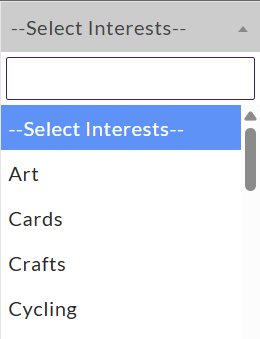
The results can be further narrowed down by selecting a community in another drop down list.
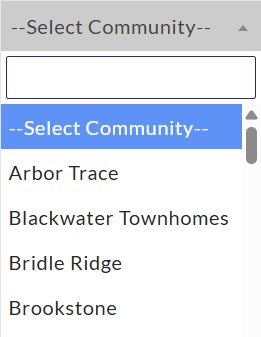
Don’t forget to hit the “Search” button.
How do I update my interests?
Anyone can edit their profile. At the top of the webpage is a banner. Towards the right side of the banner click on “Owner Profile”.

It will display the information that you provided during registration.
At the bottom of the profile page, there is a button to allow you to edit your profile.

Towards the bottom of your profile, there is an area to add and remove interests.
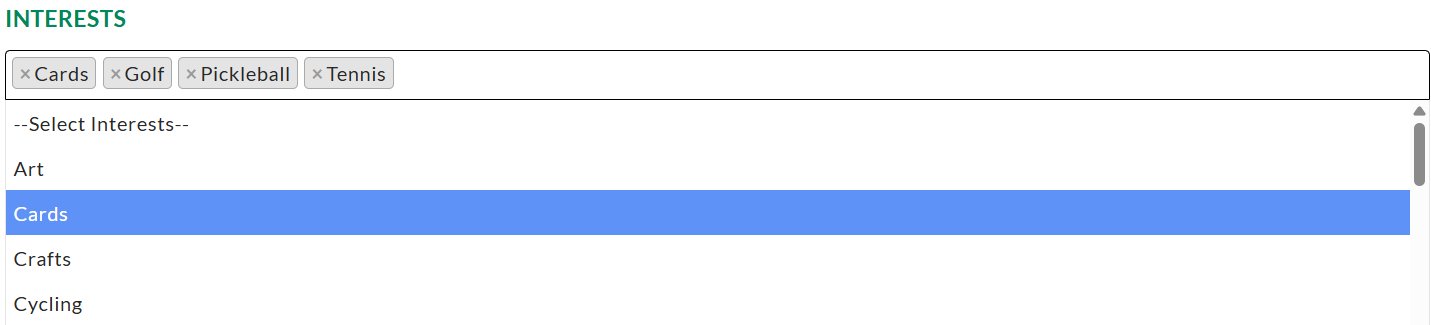
Remember to hit the “Submit” button at the bottom of the page to save your changes.